Download or update Menulyn
Use the official store for your device. If Menulyn is already installed, the store will show Update when a newer version is available, or Open when you are already up to date.
iPhone & iPad
Install Menulyn from Apple’s App Store, or open the listing to check for the latest available update.
Open in App Store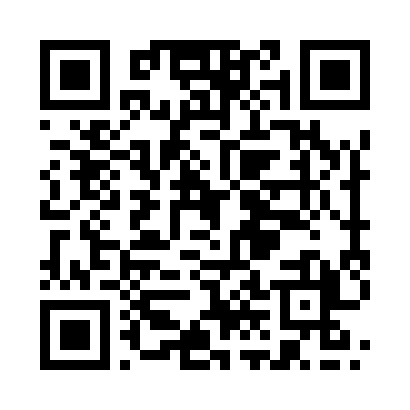
Scan with your phone camera to open the App Store.
Android
Install Menulyn from Google Play, or open the listing to check whether an app update is available.

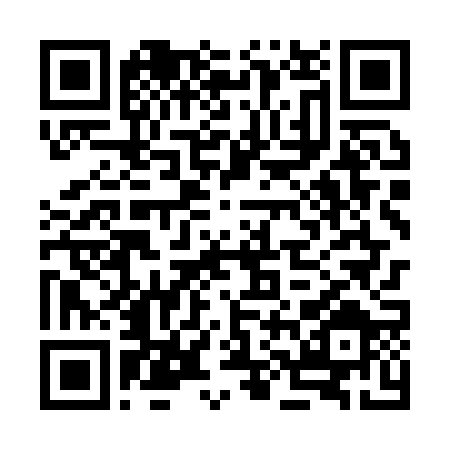
Scan with your phone camera to open Google Play.
Already installed?
Open your device’s store using the button above. Tap Update if it appears.
Use official stores
For security and reliable updates, install Menulyn only from the App Store or Google Play.
Prefer the web?
You can continue using Menulyn from the browser without installing the mobile app.
Access your Menulyn account on the web
Sign in to your existing account or start your free 14-day trial.