POS & Sales

Run restaurant sales without losing the operational trail

Take an order, attach the right table or customer, collect payment, issue the receipt and keep the transaction connected to the rest of the operation. Menulyn POS is designed to work with kitchen, stock, approvals, customer dues and reporting rather than acting as an isolated till.

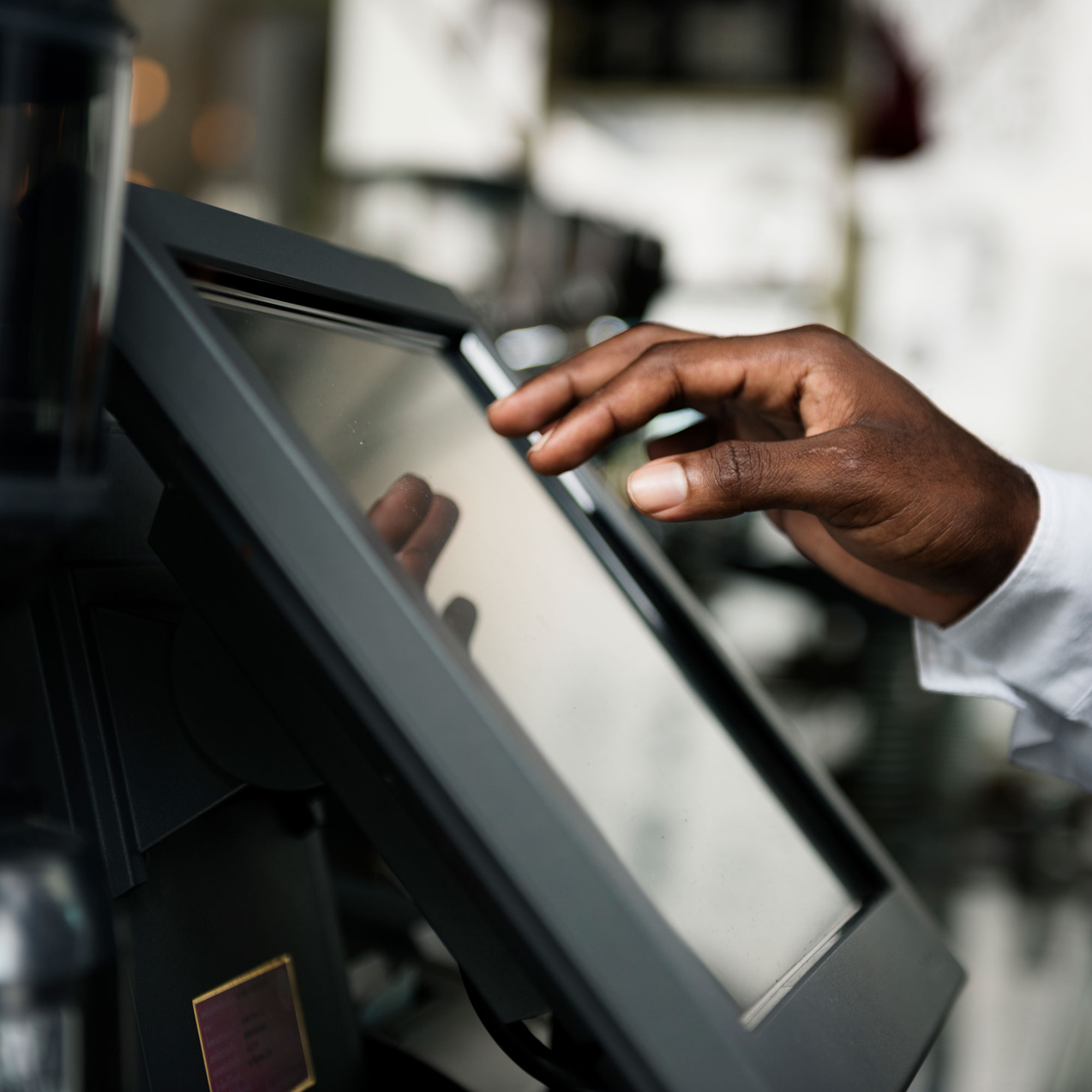
Restaurant cashier and POS operations
Why it matters

The workflow matters as much as the feature

A restaurant sale is more than a total at the till. It may need a table, kitchen preparation, stock consumption, approval, a customer balance, an online payment or an eTIMS workflow. Keeping those records connected reduces manual reconciliation later.

Implemented capabilities

What Menulyn includes for Restaurant POS

These capabilities are part of the Menulyn operational feature set and are designed to work with the surrounding sales, stock, staff and reporting records.

Counter & POS Sales

Create sales with products, taxes, customers, payment methods and receipt output.

Dine-in, Takeaway & Delivery

Handle multiple service types without separating them into different systems.

Tables & Parties

Associate dine-in activity with tables and parties for clearer floor operations.

Customer Accounts & Dues

Track customer balances and collect outstanding amounts through supported payment methods.

Online Payments

Use configured online payment gateways alongside normal cash and payment-type workflows.

Discount & Complimentary Controls

Route sensitive discounts or complimentary items through the configured approval controls.

Receipts, Invoices & eTIMS

Keep receipts and invoice workflows close to the sale, including eTIMS where configured.

Sales History & Reports

Trace completed sales into the wider Menulyn reporting and audit workflows.
Connected workflow

How the operational record moves

Menulyn is designed around connected records, so each step has context from the step before it.

01

Create the order

Select products, quantities, service type, table/party and customer details where relevant.

02

Apply operational controls

Use permissions and approval workflows for sensitive actions such as discounts or complimentary items.

03

Collect payment

Use the configured payment method, including supported online payment flows when enabled.

04

Complete the record

Issue the receipt/invoice and let the sale feed the appropriate kitchen, stock and reporting workflows.

Package fit

Know where this capability sits

Core restaurant sales workflows are available from the core Menulyn packages. Specialist capabilities used around the POS—such as Services, Collective Tips, Non-stock Products and Accommodation—follow their own package rules.

Questions

Common questions about Restaurant POS

Can Menulyn handle dine-in, takeaway and delivery from the same POS?

Yes. Menulyn supports multiple restaurant service types while keeping sales, customers, tables and payment records in the same operational system.

Can a sale trigger kitchen and stock workflows?

Yes. Depending on the item configuration, a sale can feed kitchen preparation and the appropriate recipe, ingredient or finished-stock movement.

Does Menulyn support eTIMS?

Menulyn includes eTIMS workflows that can be used when the business has configured the required integration settings.

Related Menulyn features

Continue through the workflow

View all features

See this feature in context:

See Restaurant POS inside Menulyn

Start a trial and evaluate the workflow using the products, staff, stock and operating rules that match your business.